Users
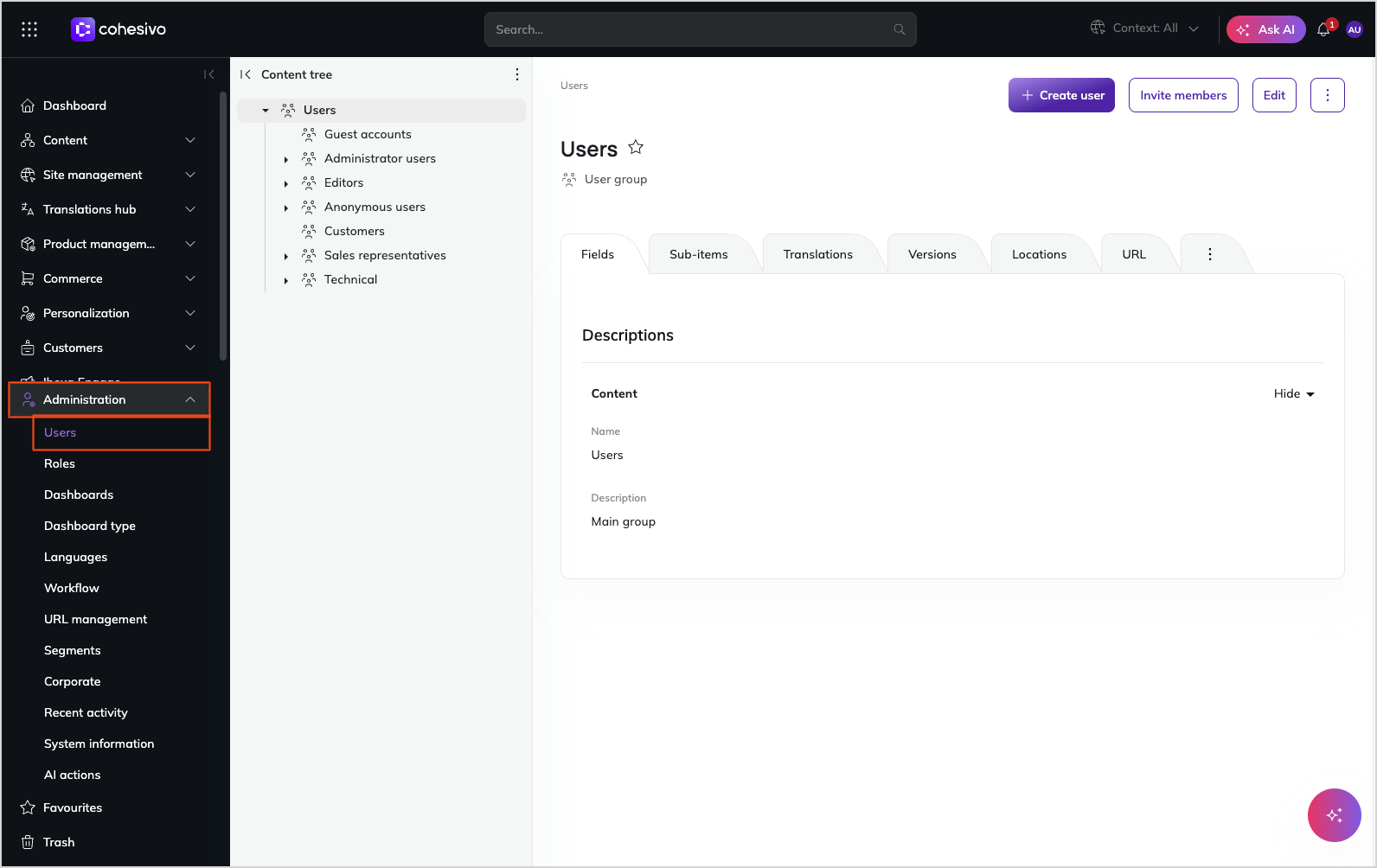
Users in Cohesivo are treated the same way as content items. They're organized in groups such as Guests, Editors, Anonymous, which makes it easier to manage them and their permissions. You can access all users and user groups in the Administration panel by selecting Users.
Caution
Be careful not to delete an existing user account. If you do this, content created by this user can be broken and the application can face malfunction.
Built-in users
Built-in roles and users control the behavior of the system:
Anonymous user
The Anonymous user, in the Anonymous users group, is a special user that controls what data can be seen by unauthenticated users and visitors. It applies both to the UI and API.
Service Account user
The REST Service Account user, in the SSO users user group, is used when authenticating to the REST API or MCP Server with client credentials.
You can:
- change the permissions assigned to this user
- assign new roles to it
- move it between user groups
If you modify or delete this user, authentication with client credentials won't be possible.